
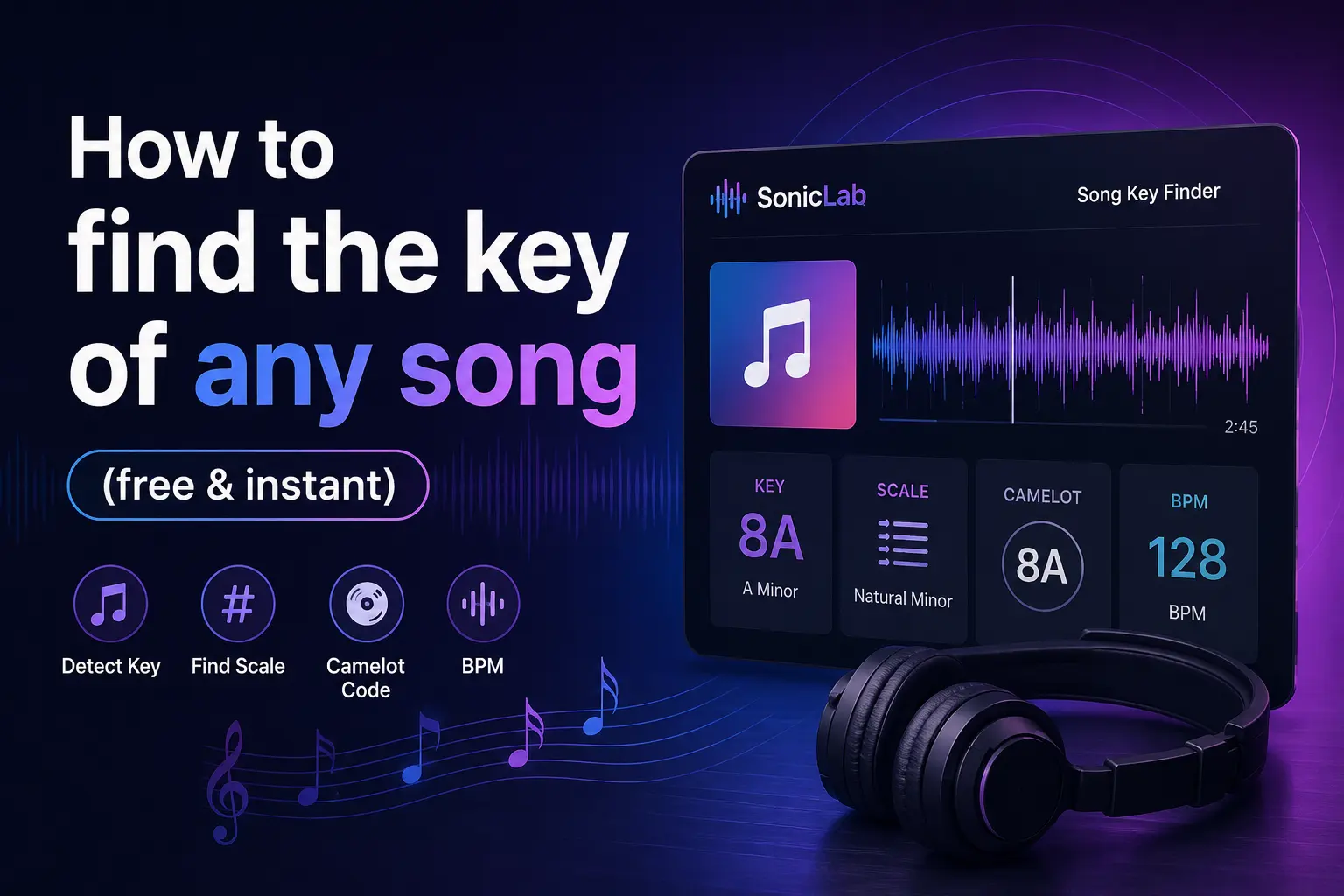
How to find the key of any song (free & instant)
A practical guide to identifying the musical key of any track — using a free key finder that works directly in your browser.
Knowing a song's key unlocks everything — harmonic mixing for DJs, choosing the right samples for producers, finding a comfortable singing range, and writing melodies that fit. Yet most people are stuck guessing what key a song is in by ear, which is slow and unreliable without years of training.
A key finder eliminates the guesswork. Upload any audio file to the SonicLab Song Key Finder, and you get the key, scale, Camelot code, and BPM in seconds. Free, no account, no software to install.
What is a musical key?
A musical key is the tonal center of a song — the note that everything gravitates toward. When a song is "in C major," C is the home note, and the melody and chords use the notes of the C major scale. The two main types are major keys (bright, happy feel) and minor keys (darker, emotional feel).
How do you know what key a song is in? Trained musicians can hear the tonic note, but that's essentially guessing what key a song is in by feel. A key identifier analyzes the actual frequency content of the audio and matches it against known key profiles. It's faster, more accurate, and works on any genre — from classical to trap.
Understanding keys matters because compatible keys blend together smoothly, while clashing keys create dissonance. This is foundational for mixing, songwriting, and transposition.
How to find the key of a song online
Here's how to detect the key using SonicLab's free key finder:
- Go to soniclab.io/tools/key-finder — the key detector loads instantly in your browser.
- Upload your audio file (MP3, WAV, FLAC, OGG, or AAC) by dragging it into the drop zone or clicking to browse.
- The tool instantly detects the key, scale, and Camelot code — the key identifier uses chromagram-based spectral analysis to determine the tonal center. You also get the song key and BPM simultaneously.
- Use the result — plug the key into your DJ software for harmonic mixing, transpose the song to a new key, or use it for songwriting and sample selection.
The entire analysis takes under 5 seconds for most tracks.
How to identify a key by ear (manual method)
If you want to develop your ear, here's the traditional approach: play the song and hum along until you find the note that feels like "home" — the note the melody resolves to. This is the tonic. Then determine if the song feels happy and bright (major) or dark and melancholic (minor).
To narrow it down, try playing notes on a piano or guitar alongside the recording. Start with C and work through sharps and flats until one clicks. Learning how to identify key signatures takes practice — you need to recognize which accidentals (sharps or flats) belong to each key. A key signature test where you quiz yourself on different keys speeds up the learning process.
The problem: this is slow, error-prone, and requires musical training. Most working musicians don't have time to sit and puzzle out every track. If you're wondering "what key am I in?" — use the free key detector above and get a definitive answer in seconds.
Using your song's key for DJ mixing
Harmonic mixing is the practice of transitioning between tracks that share compatible keys. When done right, the blend sounds musical and seamless. When the keys clash, the transition sounds dissonant — the audience notices even if they can't articulate why.
The Camelot wheel simplifies this. Each musical key is assigned a number (1–12) and a letter (A for minor, B for major). Compatible keys are adjacent: same number, ±1 number, or the same number across A/B. For example, 8A (A minor) mixes with 7A, 9A, and 8B (C major).
SonicLab's key detector outputs both the musical key and the Camelot code, giving you everything needed for harmonic mixing at a glance. Combine this with key BPM data to match both the harmonic and rhythmic content of your tracks. For accurate tempo data, also find the BPM of a song with our dedicated tempo detector.
How to change the key of a song
Singers often need to transpose a song to match their vocal range. A baritone performing a song originally in E major might shift it down to C major for comfort. Producers transpose samples to match the key of their project.
The workflow: first, detect the current key using the key finder. Then determine how many semitones you need to shift — each semitone is one half-step. To change the key of a song from C to D, shift up 2 semitones. To go from A minor to G minor, shift down 2 semitones.
Use a song key changer tool or your DAW's transpose function to apply the shift. How to change the key of a song in most DAWs: select the audio region, open the transpose dialog, and enter the semitone offset. The result is a pitch-shifted version in the new key.
Key vs time signature: what's the difference?
Key and time signature are two separate musical properties that beginners often confuse. The key defines which notes a song uses (tonal center). The time signature defines how beats are grouped — 4/4, 3/4, 6/8, etc.
A key signature test shows you the sharps and flats at the start of sheet music. A time signature detector counts the rhythmic grouping — most pop and electronic music is in 4/4, while waltzes use 3/4. Both are independent: a song can be in A minor and 4/4, or A minor and 7/8. The key finder detects the key; tempo and rhythmic analysis handle the time signature.
Detect the key of any track in seconds
Whether you're DJing, producing, singing, or writing songs — accurate key data is the starting point. Upload a file and get the key, scale, Camelot code, and BPM instantly.
Try the Free Song Key Finder →
Also check out the BPM Finder to detect the tempo of your tracks.
Frequently Asked Questions
What is a song key finder?
A song key finder analyzes an audio file and detects its musical key — the tonal center around which the melody and chords are built. SonicLab's key finder uses chromagram-based spectral analysis to identify the key, scale, and Camelot code instantly.
How do I know what key a song is in?
Upload your audio file to the key finder and the tool detects the key automatically. Alternatively, you can identify the key by ear, but automated detection is faster and more reliable.
What is the difference between a key and a scale?
A key defines the tonal center of a song (e.g., "C major"), while a scale is the set of notes used within that key. The key finder reports both the key and the scale type (major or minor).
How do I use the detected key for DJ mixing?
Use the Camelot wheel system — songs with the same Camelot code or adjacent codes mix smoothly. SonicLab's key finder outputs both the musical key and the Camelot code for instant harmonic matching.
Can I find the key and BPM at the same time?
Yes. The key finder detects the musical key, scale, and BPM simultaneously in a single analysis pass — no need for separate tools.
What is the Camelot wheel and how does it help DJs?
The Camelot wheel maps all 24 musical keys onto a numbered circle (1A through 12B). Adjacent keys are harmonically compatible, making transitions smooth.
How do I change the key of a song after finding it?
Use a transposer or pitch-shifting tool to move the song to a new key by the desired number of semitones. SonicLab's pitch shifter lets you transpose without affecting tempo.
Is this song key finder free?
Yes. SonicLab's song key finder is completely free — no signup, no limits. All processing happens in your browser.
Related guides
- How to Find the BPM of Any Song — Free BPM detection guide
- Voice Pitch Shifter — Transpose songs to a new key
- How to Make Slowed & Reverb Songs — Full step-by-step tutorial