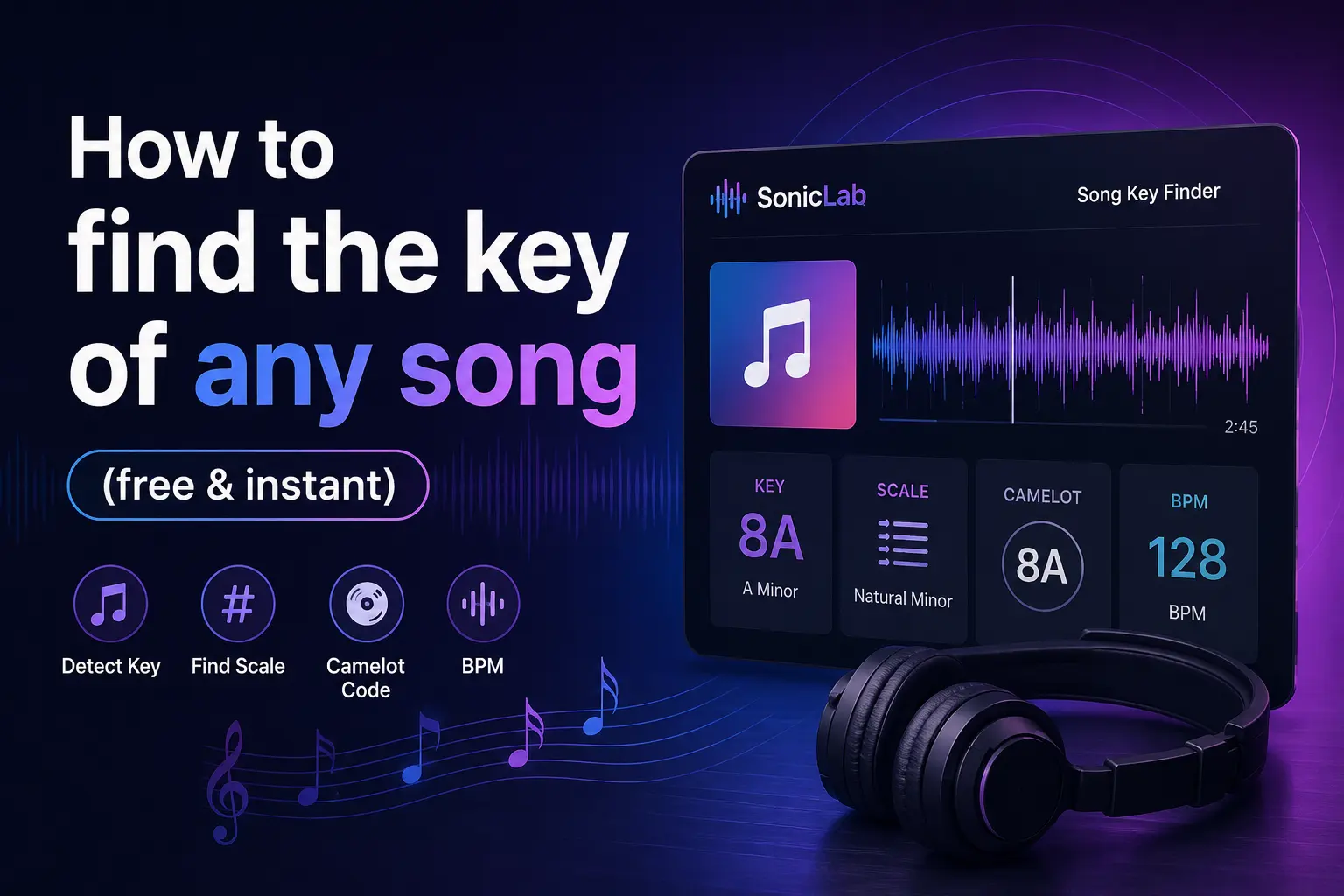
How to find the BPM of any song (free & instant)
A practical guide to detecting tempo from any audio source — using a free BPM finder that works in your browser.
Knowing a song's BPM is essential whether you're a DJ beatmatching live sets, a producer syncing loops, a runner matching cadence, or a gamer timing beatmaps in osu!. Yet most people still guess the tempo by tapping along — inaccurate and slow.
A BPM finder removes the guesswork entirely. Upload an audio file or paste a YouTube URL into the SonicLab BPM Finder, and you get an accurate tempo reading in seconds. Free, no account, no software to install.
What is BPM?
BPM stands for beats per minute — the standard unit for measuring how fast a piece of music is. A metronome clicking 60 times per minute is 60 BPM (one beat per second). A fast EDM track at 140 BPM clicks over twice per second.
Different genres settle at different tempos. Hip hop BPM ranges typically sit between 60–100 BPM, with modern trap at 130–150 BPM in double-time feel. Pop hovers around 100–130 BPM, and house music locks in at 120–128 BPM. Songs described as 120 BPM rap songs blend hip hop vocal patterns with a dance-floor tempo — increasingly common in crossover tracks.
Knowing the BPM gives you a numeric anchor for mixing, syncing, and organizing music by energy level.
How to find the BPM of any song online
Here's how to detect the tempo of any track using the free SonicLab BPM finder:
- Go to soniclab.io/tools/bpm-finder — the tool loads instantly in your browser.
- Upload your audio file (MP3, WAV, FLAC, OGG, or AAC) by dragging it into the drop zone, or paste a YouTube URL to analyze streaming audio directly. The YouTube BPM finder feature eliminates the download step entirely.
- The tool detects BPM instantly — the built-in beat tracker analyzes the waveform, identifies rhythmic peaks, and returns the tempo with a confidence score.
- Use the result — plug the BPM into your DJ software for beatmatching, tag your music library, or use the autotap feature to verify manually by tapping along to the beat.
The entire process takes under 5 seconds for most tracks.
BPM of popular songs
Here's a quick reference table of verified BPM values for well-known tracks across genres. Use these as benchmarks when organizing your library or building tempo-matched playlists.
| Song | Artist | BPM |
|---|---|---|
| Megalovania | Toby Fox | 120 |
| Party in the U.S.A. | Miley Cyrus | 96 |
| Type Shit | Future, Metro Boomin, Travis Scott, Playboi Carti | 92 |
| Blinding Lights | The Weeknd | 171 |
| Lose Yourself | Eminem | 87 |
| Sicko Mode | Travis Scott | 155 |
| Bohemian Rhapsody | Queen | 72 |
| Take On Me | a-ha | 169 |
| Hotline Bling | Drake | 135 |
| Humble | Kendrick Lamar | 150 |
The Megalovania BPM of 120 makes it a staple in rhythm game communities. Party in the USA BPM sits at 96 — a relaxed pop groove perfect for sing-alongs. Type Shit BPM clocks in at 92, typical of modern hip hop production.
How DJs and producers use BPM
For DJs, BPM is the foundation of every mix. Beatmatching — aligning the tempo of two tracks so they play in sync — requires knowing the exact BPM of both songs. Even a 1–2 BPM difference causes drift that becomes audible within 30 seconds.
Finding songs with similar BPM is the first step to building a cohesive set. Many DJs organize entire libraries by tempo range, then cross-reference with song key and BPM for harmonic mixing. Spotify's internal metadata includes BPM on Spotify for every track, but it's not directly visible to users — a standalone BPM finder gives you that data on demand.
Producers use BPM to sync loops, samples, and backing tracks. When building a beat from scratch, setting the DAW tempo to match your reference track's BPM ensures everything stays in time. A dedicated beat tracker like SonicLab's BPM finder provides the starting tempo so you can jump straight into production.
BPM in gaming: osu! and rhythm games
Rhythm games depend on precise BPM data. In osu!, beatmap creators need the exact tempo to place hit objects in time with the music. The osu BPM test starts with detecting the song's base tempo, then using that to set the timing points in the editor.
Players searching for challenge tracks often filter by BPM — higher tempo means faster inputs. Songs tagged at all8 BPM difficulty brackets use extreme tempos (200+ BPM) that test reaction time and accuracy. An accurate BPM finder eliminates the manual tapping that mappers traditionally use to find the timing.
BPM finder for runners and fitness
Runners use BPM to match music tempo to step cadence. A typical jogging cadence is 160–170 steps per minute, so songs at that BPM help maintain a steady pace naturally. Upload your playlist tracks to the BPM finder, sort by tempo, and build a workout playlist that keeps your stride consistent from warm-up to cool-down.
Detect the tempo of any track in seconds
Whether you're mixing, producing, mapping beatmaps, or building workout playlists — accurate BPM data is the starting point. Upload a file, paste a YouTube link, or tap along to get your tempo instantly.
Also check out the Song Key Finder to detect the musical key of your tracks.
Related guides
- Slowed + Reverb Generator — Create dreamy remixes of any song
- Nightcore Maker — Speed up and pitch-shift songs for the opposite effect