Free Online Audio Editor
for Creators
Edit audio online with 30+ professional tools — bass booster, nightcore generator, slowed reverb maker, vocal remover, and more. No downloads. No signups. Completely private.
Core Audio Editing Tools
Our most powerful online audio tools — used by thousands of creators every day. Upload your audio and start editing instantly.
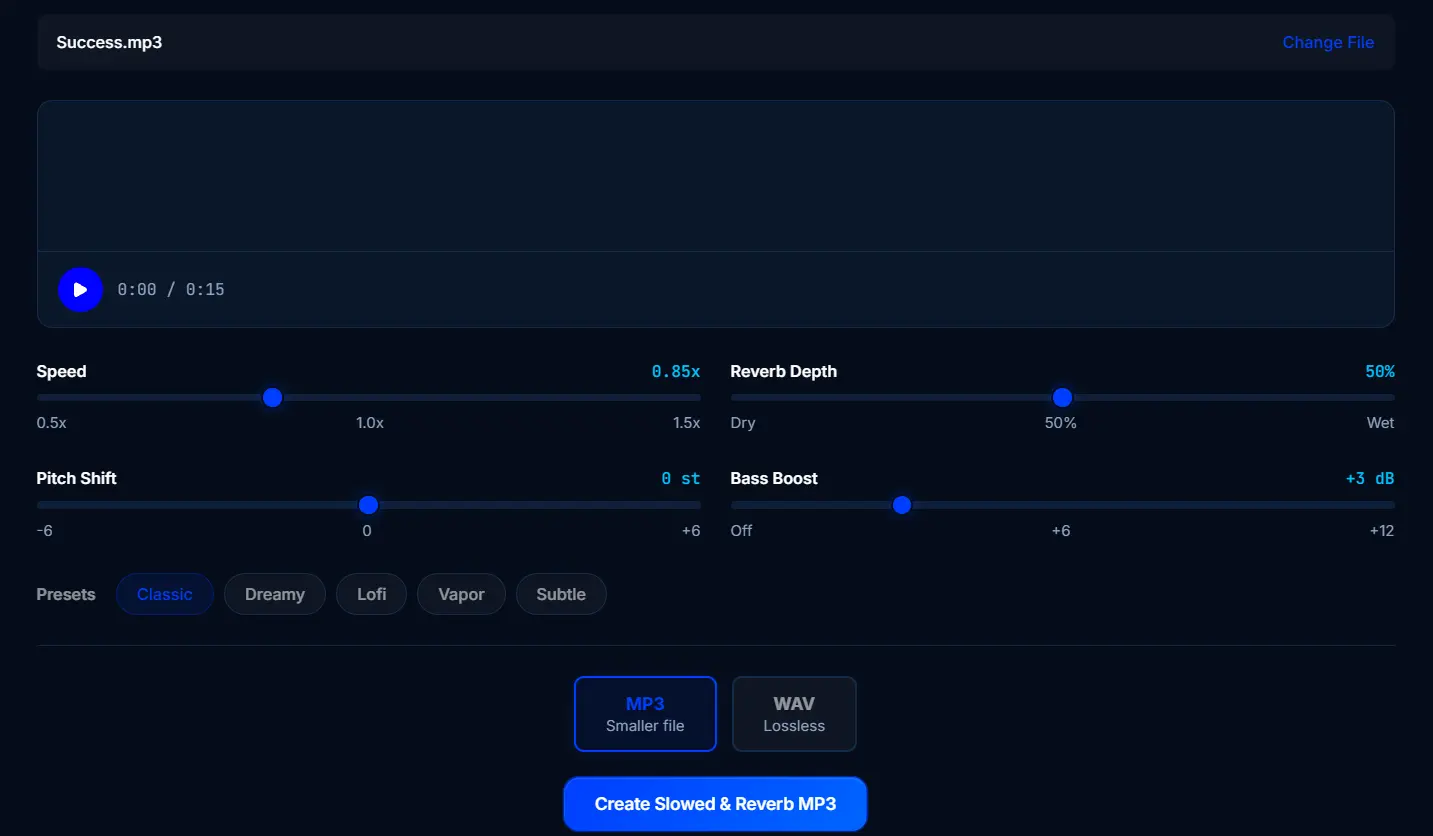
Slowed + Reverb
Make slowed + reverb remixes
Use ToolNightcore Maker
Make nightcore remixes
Use ToolBass Booster
Boost bass frequencies
Use ToolVocal Remover
Remove or isolate vocals
Use ToolBPM Finder
Find tempo & BPM
Use ToolKey Finder
Find song key & scale
Use ToolVolume Booster
Make audio louder
Use ToolVoice Pitch Shifter
Change voice & audio pitch
Use ToolHow the Online Audio Editor Works
Three simple steps — no software downloads, no accounts needed.
Upload Your Audio
Drag & drop any MP3, WAV, FLAC, OGG, or AAC file. All processing happens locally — your files never leave your device.
Apply Effects & Edit
Choose from 30+ audio effects and editing tools. Fine-tune parameters with real-time preview. Use presets or go fully custom.
Download
Export your processed audio in high-quality MP3 or lossless WAV. Share with friends or upload directly to your platforms.
See SonicLab in Action
Watch how easy it is to boost bass, shift pitch, split vocals, and find BPM — all inside your browser.
Who Uses SonicLab?
From bedroom producers to professional content creators — SonicLab gives everyone access to professional audio editing tools for free.
Music Creators
Create slowed + reverb remixes, nightcore versions, bass-boosted edits, brighter mixes with the Treble Booster, and lo-fi conversions — no DAW required.
Content Creators
Boost audio volume, remove background noise, trim clips, and normalize loudness for YouTube, TikTok, Instagram Reels, and podcasts.
DJs & Producers
Find BPM and key, split stems, shift pitch, change tempo, and preview effects in real-time — all from the browser.
Students & Educators
Edit audio for presentations, language projects, and music classes. No software installs, no IT permissions — just open your browser and start.
Explore Audio Tools by Category
Find the perfect tool for your audio project.
Your Privacy is Non-Negotiable
Unlike other online audio editors that upload your files to cloud servers, SonicLab processes everything directly in your browser using the Web Audio API. Your audio never touches our servers. No tracking, no data collection, no accounts required.
Frequently Asked Questions
Everything you need to know about SonicLab's free online audio editor.
Is SonicLab completely free to use?
Yes. Every audio tool on SonicLab is 100% free — no signup, no credit card, no usage limits. You can process unlimited audio files in your browser without creating an account.
Are my audio files uploaded to a server?
No. SonicLab processes all audio directly in your browser using the Web Audio API. Your files never leave your device. There are no server uploads, no queues, and complete privacy by design.
What audio formats does SonicLab support?
SonicLab supports all major audio formats including MP3, WAV, FLAC, OGG, and AAC. You can upload in any format and export as high-quality MP3 or lossless WAV.
Do I need to download any software?
No downloads required. SonicLab is a fully online audio editor that works in any modern browser — Chrome, Firefox, Safari, or Edge. Just open a tool and start editing.
What audio effects and tools are available?
SonicLab offers 30+ tools including a bass booster, nightcore generator, slowed and reverb maker, 8D audio converter, vocal remover, BPM finder, pitch shifter, audio reverser, lo-fi converter, equalizer, and more.
Does SonicLab work on mobile devices?
Yes. SonicLab works on any device with a modern browser — smartphones, tablets, laptops, and desktops. The interface is fully responsive and optimized for touch screens.
Ready to Edit Your Audio?
Join thousands of creators using SonicLab's free online audio editor every day. No signup. No downloads. Just open and create.
Start Editing — It's Free